
Color Schemer has been launched
on your Mac App Store
×
Subscribe for UpdatesWeekly Color Scheme Digest
Every Monday, get all the new schemes postedduring the previous week sent to your inbox.
New Course Content Announcements
Whenever a new section is added it to our course, you can be the first to know.
Company and Product Updates
Whenever something big happens, or new features launch, you can be the first to know.One-Time Alert: Windows Launch
As soon as the Windows version is ready, we'llsend you a one time email to get you started.
We respect your inbox as much as we respect a well-crafted color scheme. Your email is safe with us ‐ no third-party nonsense, no spam. Easily unsubscribe with one click, no hard feelings.
Desktop Studio for Mac and Windows
abc
Struggling to Strike the Perfect
Color Balance for Your Project?
Color Balance for Your Project?
Choosing the wrong colors can ruin even the best design ideas.
With Color Schemer, you can build out beautiful palettes from just
one color, and ensure your designs always look professional.
Download it for Mac Now
Color Schemer Does
the Color Theory for You
Create balanced, visually stunning designs without the guesswork.the Color Theory for You
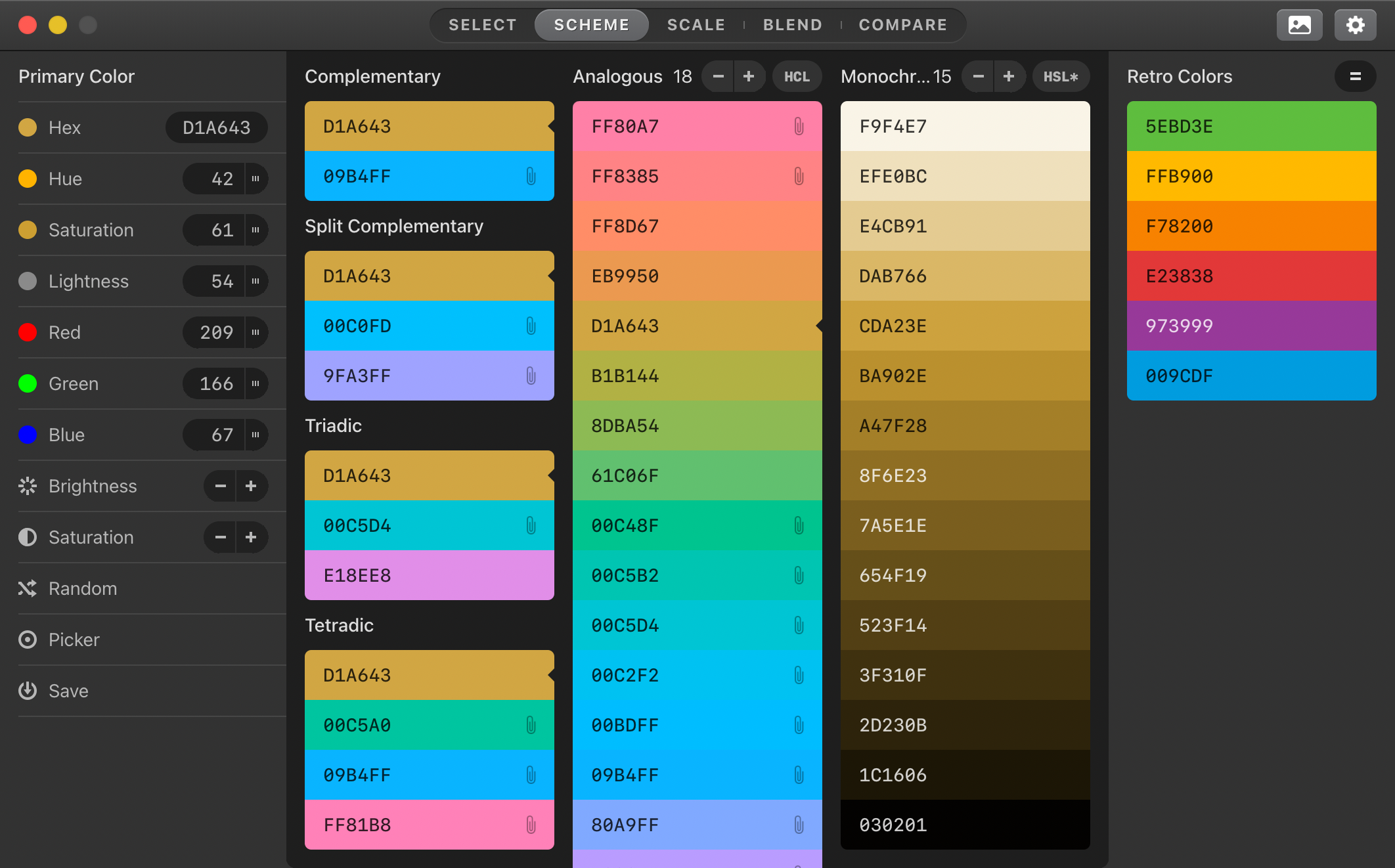
Every color you pick is based
on a precise science.
Your Personal Color Gallery
Save, manage, and revisit your favorite color palettes.
Your gallery is private and grows with projects and tastes.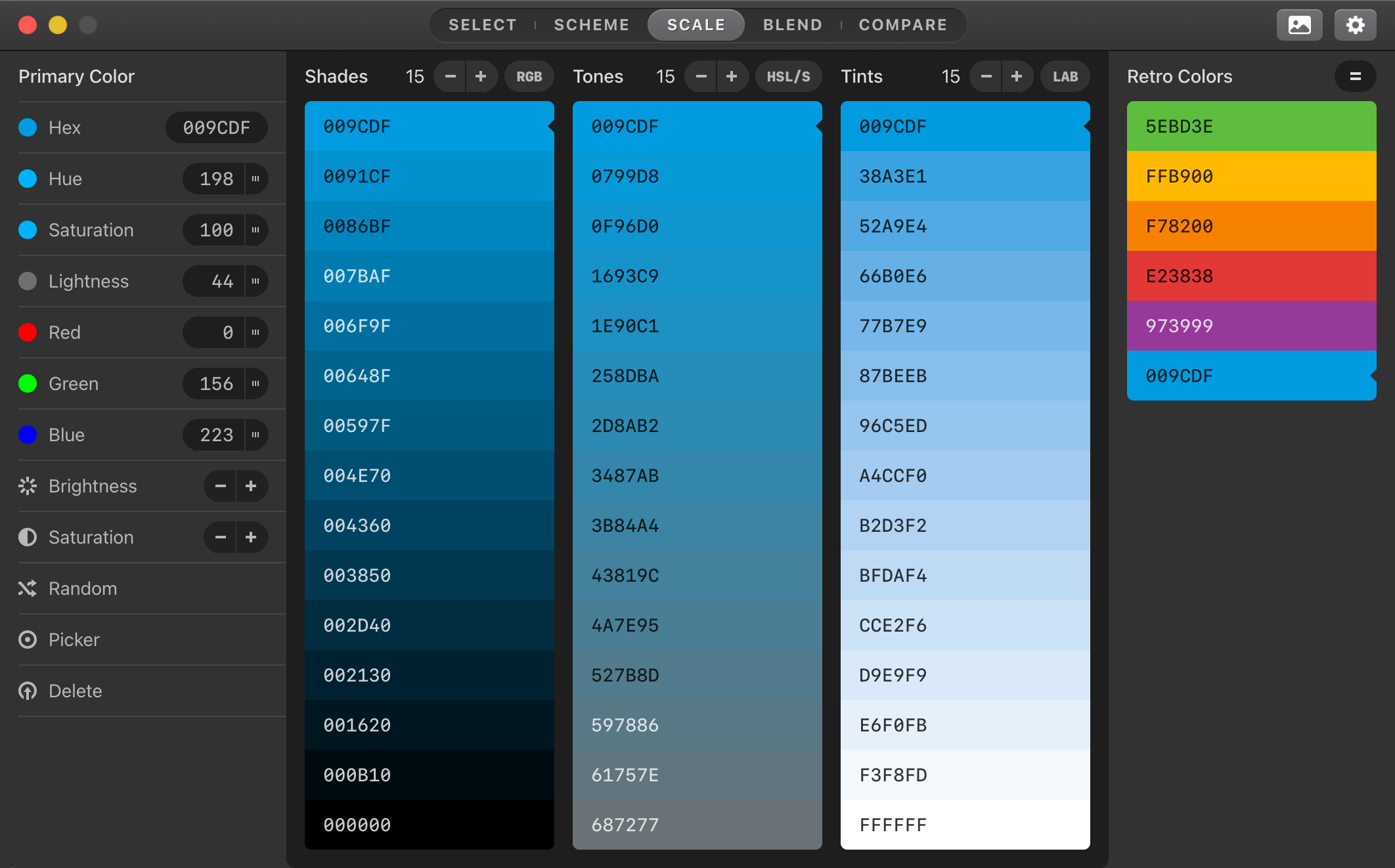
Your Color Wheel of Fortune
Navigate the color wheel effortlessly to discover endless possibilities. An essential tool, now simpler than ever.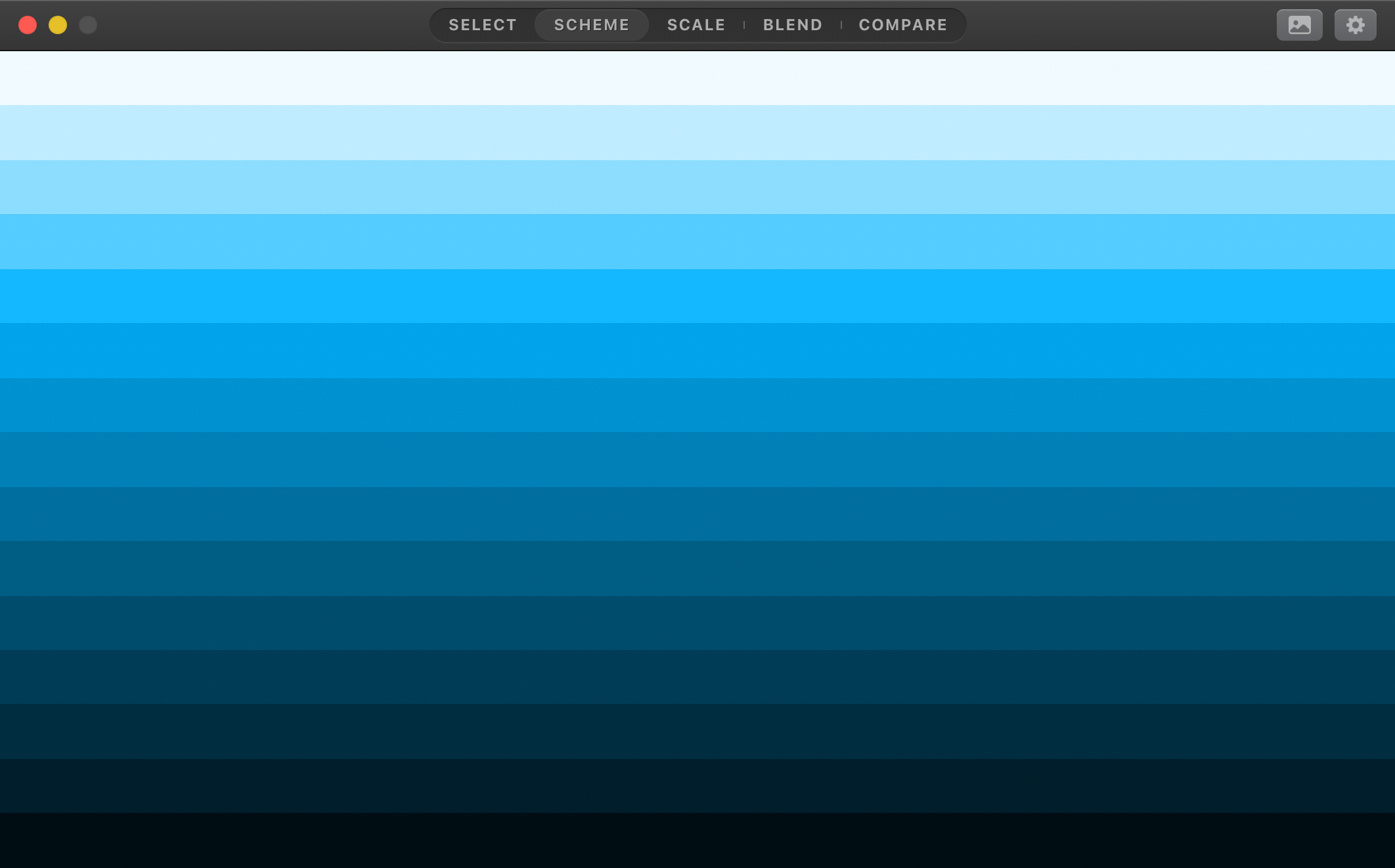
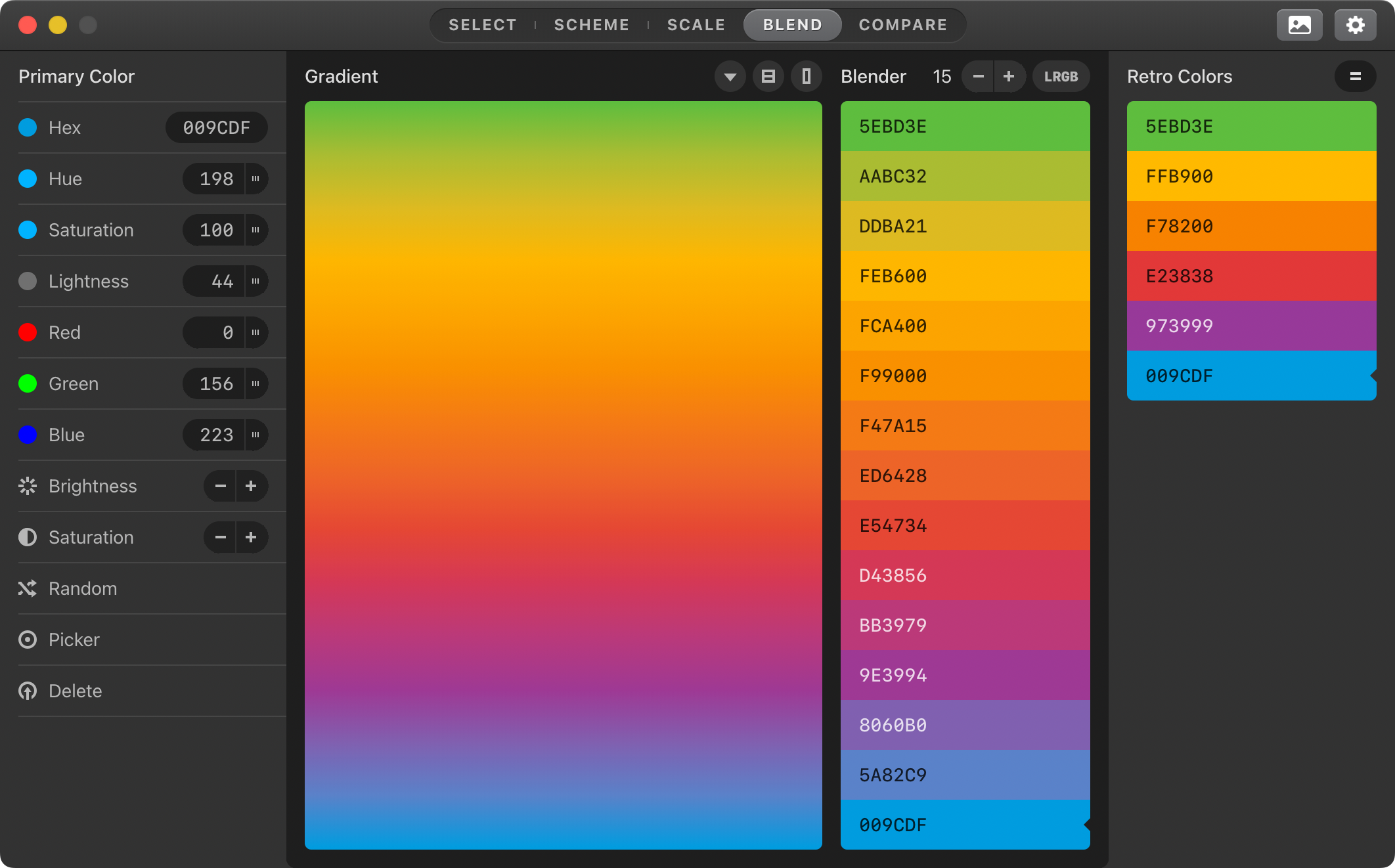
Blend Your Palettes into
the Smoothest Gradients
Get creative with with limitless blending options. Create a mesmerizing effect effortlessly.the Smoothest Gradients
Great Design for Everyone
WCAG tools enhance readability and visual impact, helping your designs go from accessible to universally effective.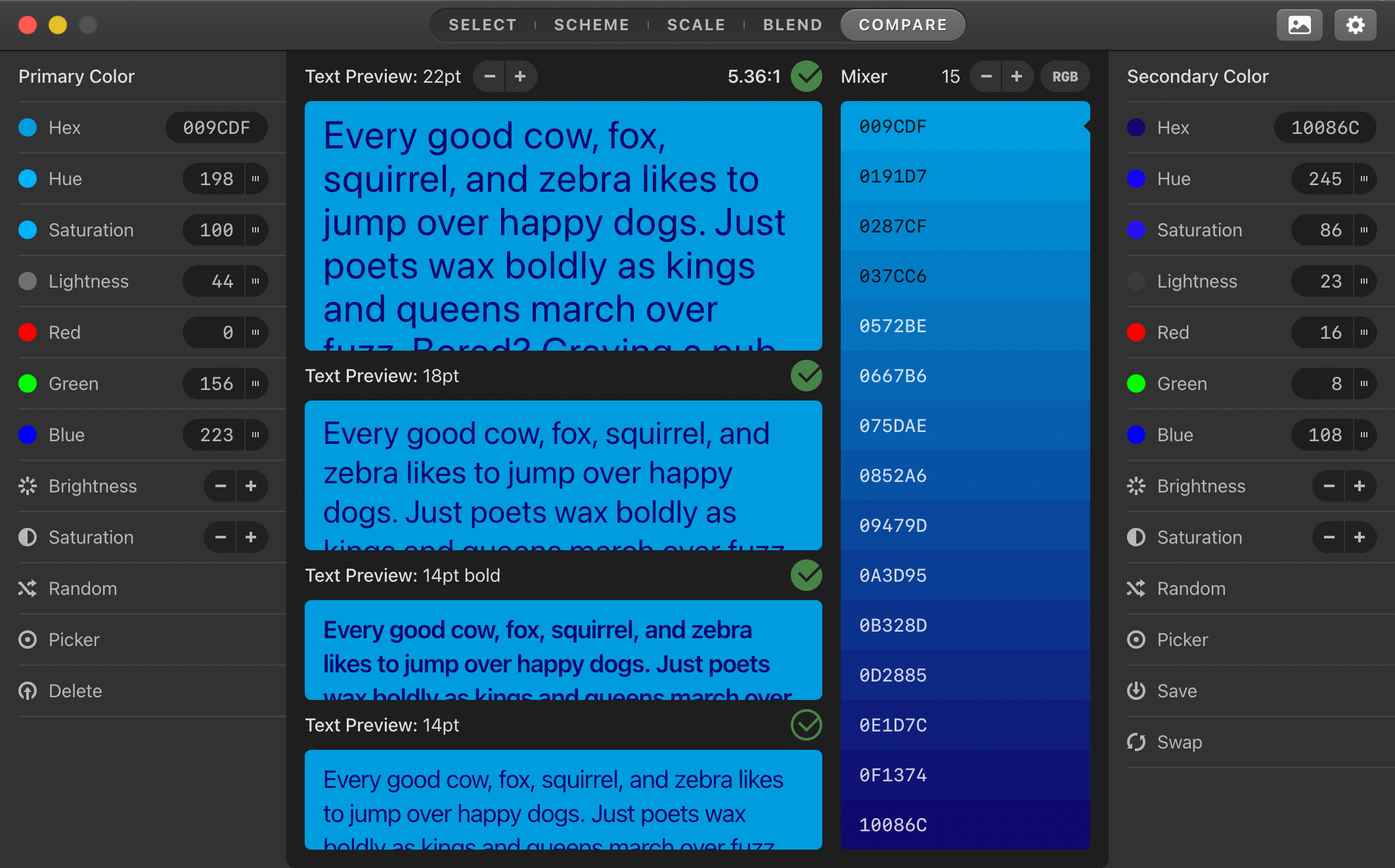
Uninterrupted Creativity
Our desktop app offers a fluid design experience. Essential features like undo/redo, keyboard shortcuts, and offline capability keep you in flow.
Say Goodbye to Endless Tweaking
Don't let the complexities of color theory hold you back.
With Color Schemer, creating harmonious designs has never been easier.
Download Now and Level Up Your Workflow
Just $9.99 — One Time Purchase — Limited Time Only
For macOS 11 — Coming to Windows soon
For macOS 11 — Coming to Windows soon
This was an instant buy for me. I wish I would have had this a few months ago when we were refreshing the color palettes in our design system.
It is not only is a great color picker, but it's a great color wallet. I stash my known colors in it for existing projects and use it to gather and expand on color ideas...
Working with colors is usually a challenge, as the tools that I'm used to using are too presumptive and/or limited in functionality. However this app delivers. [...] Kudos.
For all the OCD product people and designers out there like myself, this tool will save you tons of time!
100% recommended tool for designers and color lovers. It has got all. I have been using it for nearly a year now 🔥
If you have any knowledge of basic color theory at all (and even if you don't, truth be told) you'll be pleasantly surprised at what you're able to do with ease. [...] I've got a bunch of color apps. This is the one I use.